
Your first list, step by step
From an empty account to a list worth working, in the order it actually happens — about fifteen minutes.
Last reviewed September 8, 2026
From an empty account to a list worth working, in the order it actually happens. Give it fifteen minutes.
1. Describe who you want
Start a new agent and write who you are looking for, in your own words. Job titles alone are the weakest possible brief — say what the person is responsible for, what kind of company they are at, and where.
Heads of revenue operations at US B2B SaaS companies that raised a Series B in the last 18 months, 50–300 employees.
That is a good brief: a role defined by responsibility, a company shape, a signal with a time bound, and a size range.
2. Read the first few, not all of them
The list comes back ranked, each row with the reason it matched. Read the top five properly before scrolling — they tell you whether the description is right, which is a different question from whether a particular person is.
If the top five are wrong in the same way, fix the description rather than rejecting fifty people one at a time.
3. Narrow, widen, or re-run
- Too broad? Add the constraint the wrong matches share.
- Too few? Drop the constraint doing the most work. The agent tells you which one that is.
- Nothing at all? Almost always one impossible clause — a seniority and a company size that rarely co-occur, or a city too small for the role.
4. Approve the ones worth contacting
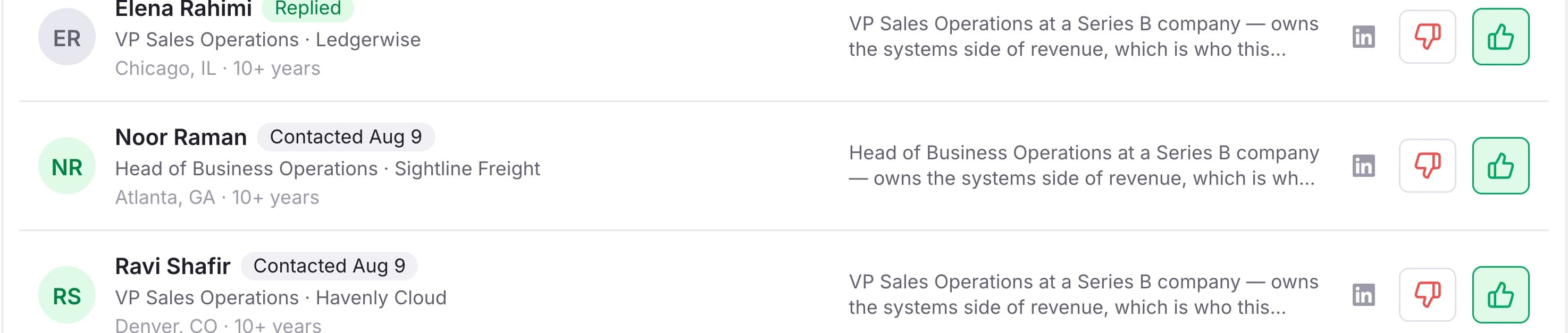
Approving is per person, and it is what everything downstream reads: export takes your approved list, and an outreach enrolls it. Reject freely — a rejected person stays in your archive with the reason, so you never look at them twice.
5. Get the addresses
An email address is revealed per person, from a pack that never expires. Nothing is charged for an address we cannot verify.
6. Reach them
Two ways, and the plan decides which:
- Export. CSV, on every plan, with the reason each person matched included — so whoever works the list can see it.
- Send from Tamozo. On Growth and above, sequences of email and LinkedIn steps that go out from your own mailbox and your own profile.