
Connecting your mailbox and LinkedIn
The accounts outreach sends from, the signature and postal address that ride along, and what happens when a token expires.
Last reviewed September 8, 2026
Outreach sends from accounts you own. Connecting them takes one hosted sign-in each, and lives in Account → Integrations.
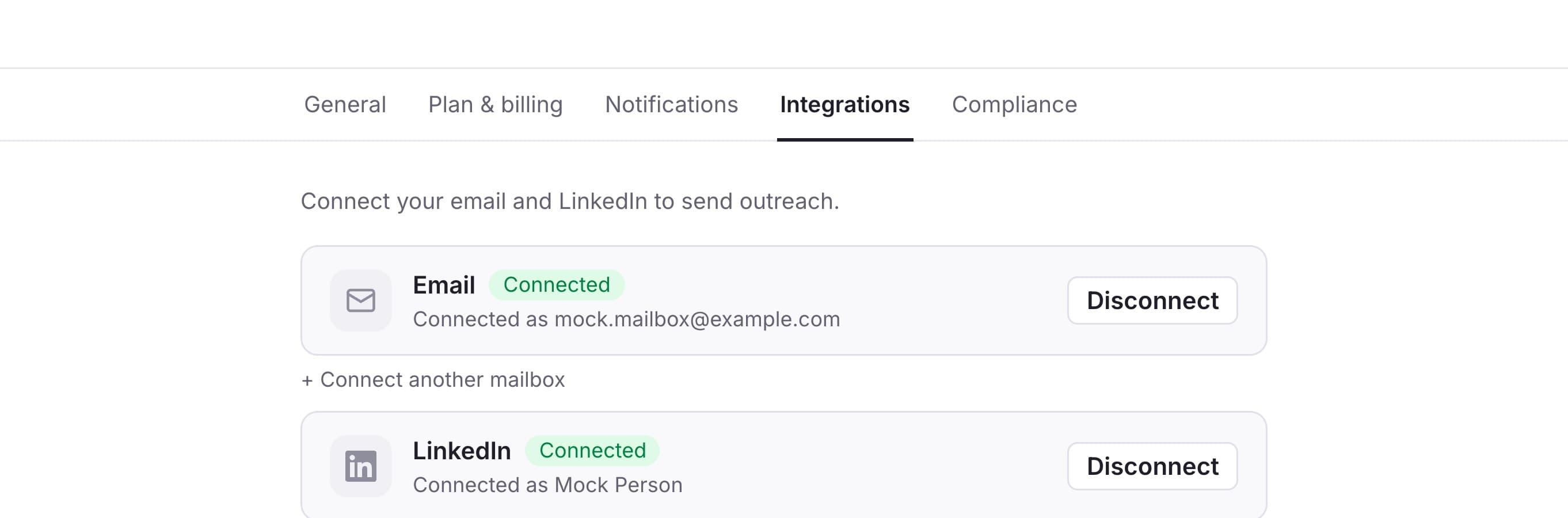
A mailbox, and a LinkedIn profile
- A mailbox for email steps. Google and Outlook go through their own sign-in; other providers connect over IMAP/SMTP.
- A LinkedIn profile for connection requests and LinkedIn messages.
You can connect more than one of each and choose per outreach which sends.
The signature, and the address the law asks for
Both live on the same screen.
The signature is appended to email steps that ask for it — a first touch often reads better without one, which is why it is per-step. Keep it plain text: images and logos hurt deliverability, and links are made clickable for you.
The postal address is added to every outreach email, along with the unsubscribe link, whether the signature is on or not. US commercial email must carry a valid physical address, assessed per message. If it is missing, Review warns you before launch.
When an account needs reconnecting
Providers expire tokens, and a password change ends a session. When that happens the outreach shows Needs attention with a reconnect link, and sending stops rather than failing silently message by message.
Reconnecting is the same hosted sign-in. Leads keep their place in the flow: nothing re-sends, and the queue picks up where it stopped.